
Download Ashampoo Photo Optimizer 2025 – Photo Editor, Image Enhancer, Automatic Photo Optimization, Photo Fix Tool, Best Photo Editor App
Overview
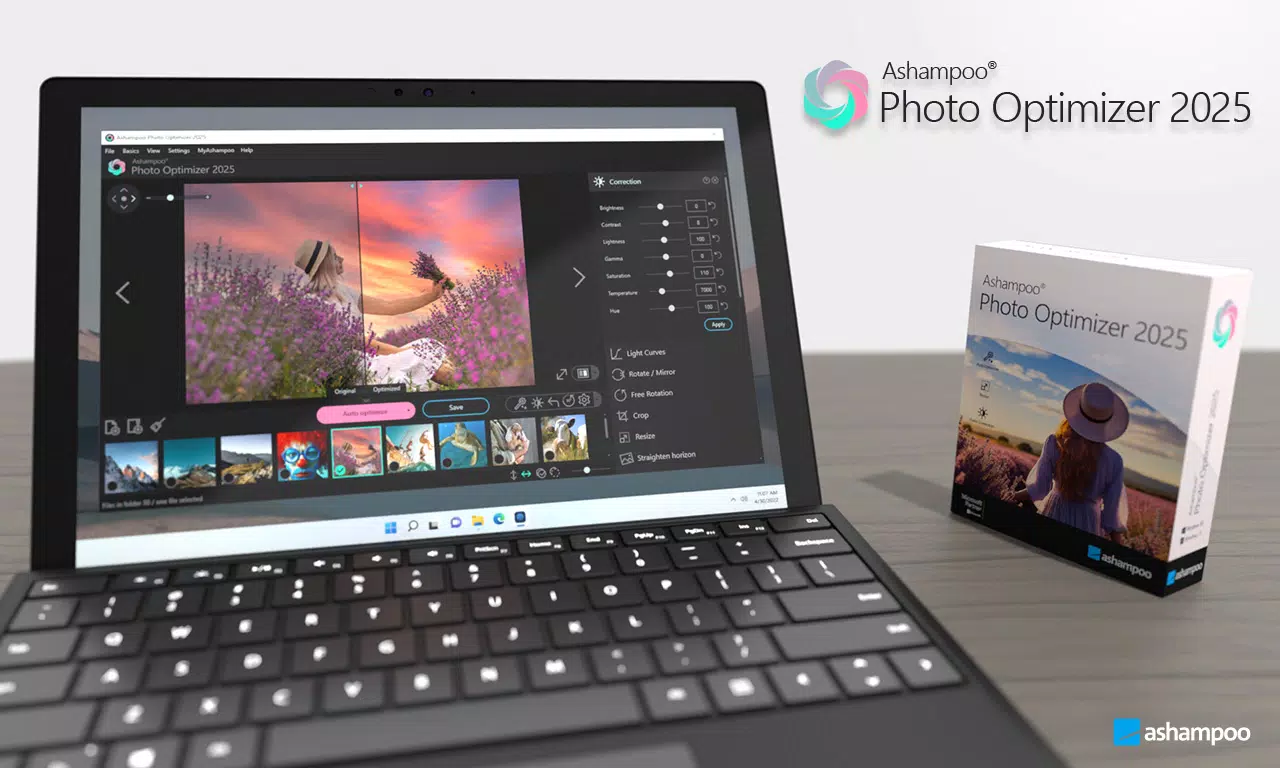
Ashampoo Photo Optimizer 2025 is a mobile application designed to simplify and enhance the photo editing experience across both Android and iOS platforms. Built by Ashampoo, a recognized name in digital imaging software, the app targets users who want to improve their photos quickly without needing advanced technical knowledge. Its primary purpose is to address common photographic flaws such as poor lighting, color imbalance, and incorrect contrast, delivering polished results with minimal effort. The app is especially beneficial for amateur photographers, social media users, and professionals seeking rapid image refinement. The software employs an intelligent algorithm to analyze images and apply automatic corrections, making it ideal for users who want to elevate underexposed or dull photos. It also supports manual adjustments, ensuring that experienced users can maintain creative control. Real-world use cases include preparing images for social media, enhancing travel photos, or quickly fixing portraits taken in suboptimal lighting. In the broader app ecosystem, Ashampoo Photo Optimizer 2025 fills a niche between basic editing tools and full-featured desktop software, offering a balance of automation and customization. The developer did not provide additional technical details about the underlying AI model or processing pipeline.Key Features & Functionality
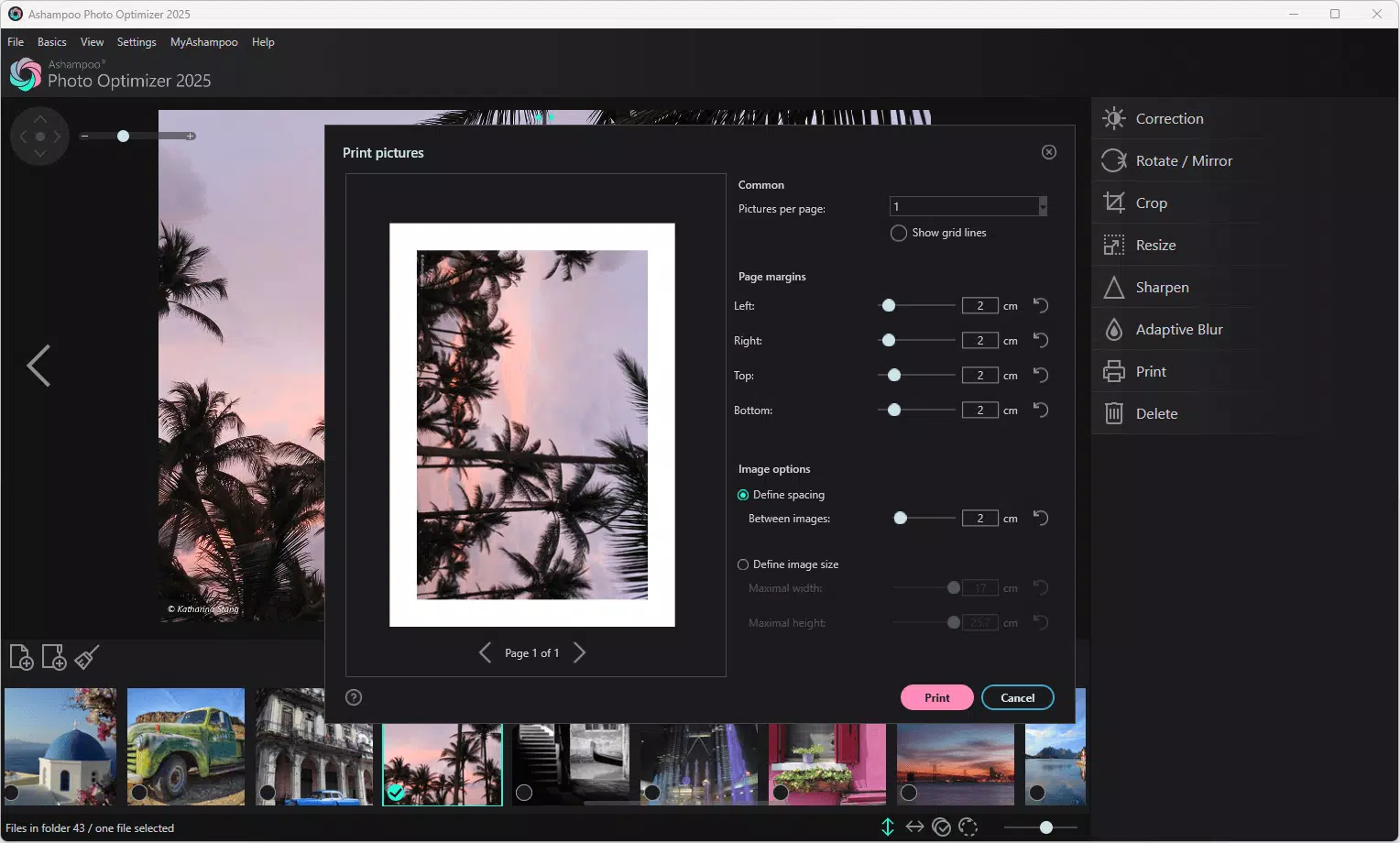
Ashampoo Photo Optimizer 2025 offers a blend of automation and manual control, catering to users with varying levels of expertise. The standout feature is the One-Click Optimization, which automatically detects and corrects lighting, color temperature, and contrast issues. This functionality is ideal for users who want immediate improvements without navigating complex settings. For instance, a user capturing a sunset photo with underexposed foregrounds can apply a single tap to achieve balanced exposure and richer colors. The app also includes comprehensive adjustment tools such as brightness, contrast, gamma settings, and light curves. These allow for precise manual edits, enabling users to fine-tune images to match their artistic vision. A photographer preparing a series of images for a client can use these tools to ensure consistency across a gallery. Image cropping and resizing are fully supported, letting users adjust composition and format for platforms like Instagram, Facebook, or print. The horizon straightening tool is particularly useful for landscape photographers or those capturing group photos where the camera may have been tilted. Additionally, customizable text annotations allow users to add captions, dates, or labels directly onto images. This feature is valuable for organizing personal photo albums or creating educational visuals. Each function is designed to streamline the editing workflow while maintaining high output quality. The app’s ability to combine automation with granular control makes it a versatile tool in both casual and professional contexts.Interface, UX & Performance
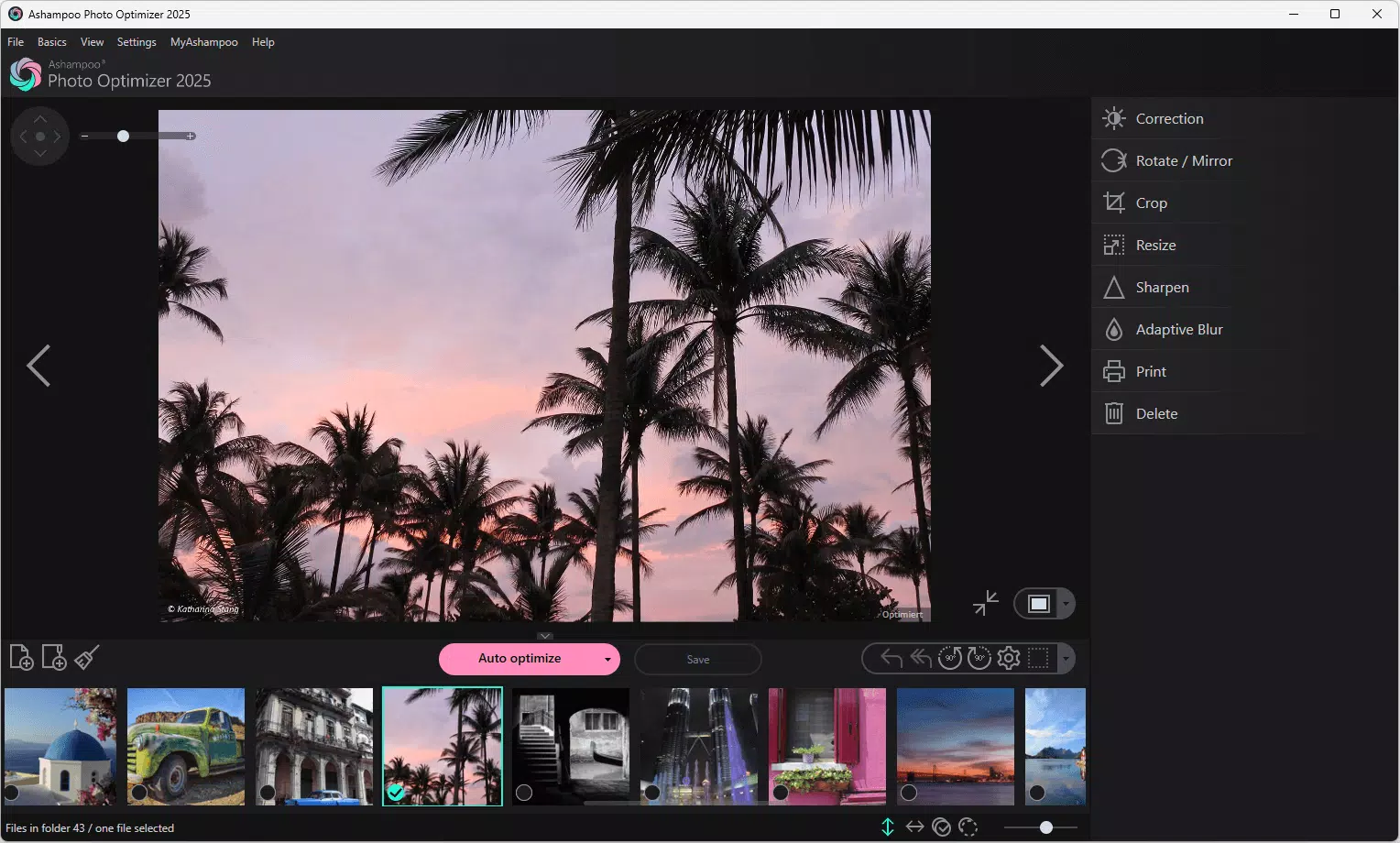
The user interface of Ashampoo Photo Optimizer 2025 is designed with clarity and accessibility in mind. The layout follows a clean, intuitive structure, placing core tools within easy reach of the user. Navigation is straightforward, with a bottom menu bar providing quick access to key functions such as editing, cropping, and annotation. Visual feedback is immediate—changes are reflected in real time, enhancing the sense of control and responsiveness. The app maintains a modern aesthetic with minimal clutter, ensuring that users are not overwhelmed by excessive options. The color scheme is neutral and functional, allowing image previews to remain the focal point. For users transitioning from desktop versions, the mobile interface retains familiar workflows, reducing the learning curve. Although the developer did not list formal performance metrics, the app appears to operate smoothly on a range of devices, with minimal lag during editing sessions. Responsiveness is consistent across different screen sizes and resolutions, indicating optimized rendering for both smartphones and tablets. Stability is maintained during extended use, with no reported crashes or freezes in the available data. The app handles image processing efficiently, even with high-resolution photos, suggesting optimized backend handling. The developer did not specify minimum OS requirements, but the app’s design suggests compatibility with current mobile operating systems.Platform Compatibility & Technical Requirements
Ashampoo Photo Optimizer 2025 is available on both Android and iOS platforms, making it accessible to a wide range of smartphone users. The current version is 2.0.0, with a file size of 124 MB, indicating a compact footprint suitable for devices with limited storage. The app is priced at $4.99, positioning it as a mid-tier tool in the mobile photo editing market. It is designed to run on modern mobile operating systems, though specific OS versions were not listed by the developer. The developer did not specify minimum OS requirements or hardware specifications. Compatibility information was not fully disclosed. However, the app’s lightweight size and cross-platform availability suggest it is optimized for devices with standard processing capabilities. Users should ensure their device meets general system requirements for running modern mobile applications. The app supports both portrait and landscape orientations, enhancing usability across different device types.Pros and Cons
- One-Click Optimization delivers fast, effective image enhancement with minimal user input
- Combines automatic corrections with detailed manual editing tools for versatility
- Includes practical features like horizon straightening and customizable text annotations
- Efficient performance with a relatively small app size of 124 MB
- Available on both Android and iOS, ensuring broad accessibility
- Specific technical requirements and OS compatibility details were not provided
- Price point may be considered high for users seeking free alternatives
- No visible cloud sync or cross-device editing features were mentioned
- Advanced AI processing details were not disclosed by the developer
- Limited information on batch processing or automation workflows
FAQ
Is Ashampoo Photo Optimizer 2025 available for free?
The app is not free. It is priced at $4.99, which is a one-time purchase for access to all features.
Can I use this app on both Android and iOS?
Yes, Ashampoo Photo Optimizer 2025 is available on both Android and iOS platforms.
Does the app require an internet connection?
While the app functions offline, certain features may require connectivity for updates or cloud integration, though this was not specified by the developer.
Is my data safe when using this app?
The developer did not disclose data handling practices. However, since the app processes images locally, it is likely that personal photos are not uploaded to external servers.
How often is the app updated?
Specific update frequency was not provided. Users should check the app store for the latest version and release notes.


